
Internal Linking & Content Optimization: The Strategy That Doubled My Traffic
By Media Initiation • 15 April 2026
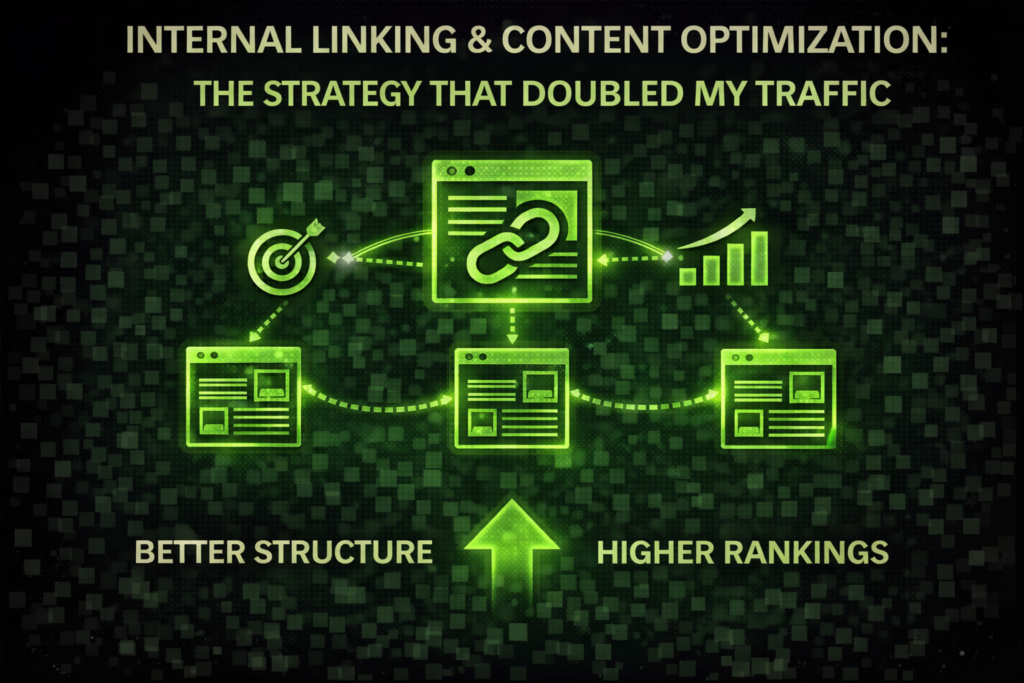
Internal Linking: The Secret Weapon I Used to Revive a Dying Blog
Two years ago I became obsessed by backlinks. I would send out endless emails to reach out, begging to be a guest blogger and making sure to check the status of my “Domain Authority” every day. However, despite all the effort my traffic was sluggish. My most popular articles were hidden on the fourth page of Google but I was unable to find out the reason.
Over the course of a weekend, I decided to view my site differently. Instead of going towards the future I turned at it from the inside. I realized that my site was an assortment of “islands.” I had some great content but they weren’t communicating to one another. This is why I dug internal linking as well as a thorough SEO optimization cleaning.
The result? In just three months my organic traffic increased by 45 percent. I did not write one new blog post in the period. I simply modified the structure I already used to write my posts. If you’re looking to get off the “content cycle” and actually bring your websites to get ranked check out my personal strategy.
Why Most People Get Internal Linking Completely Wrong
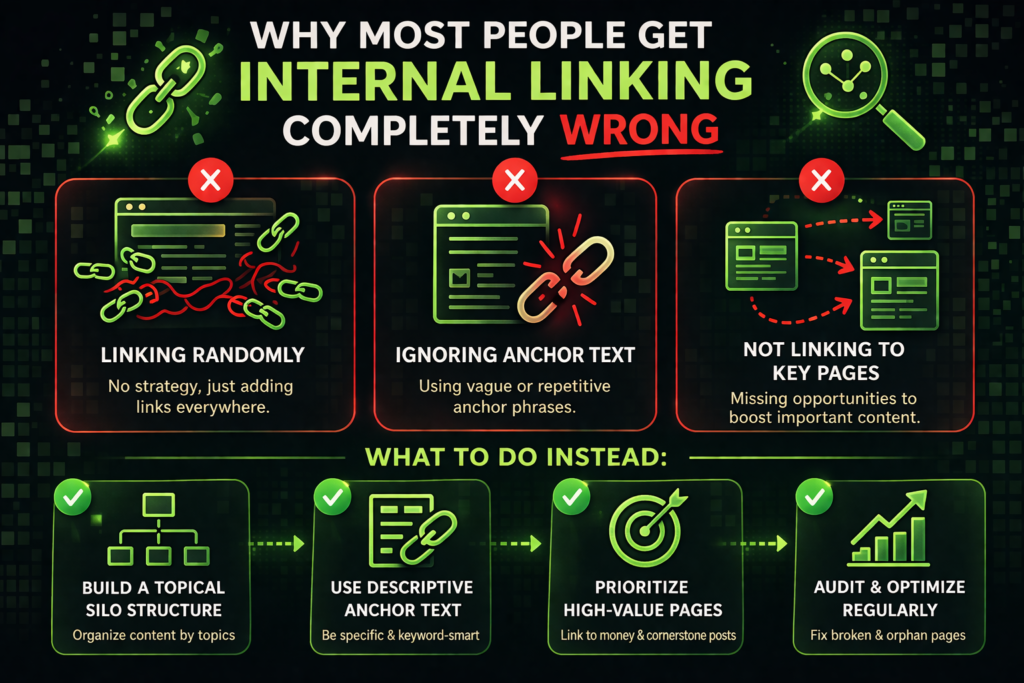
When I first began with internal linking, I believed that internal linking simply meant the use of a random word, that I could then link to the homepage. It’s a big error. Google’s crawlers use links in order to know what your site is about and the importance it is.
The "Link Juice" Mistake
I had used to have a “Related Posts” plugin that would show three random articles at end of a page. I believed that was enough. But it was not. Why? because the internal linking were not “contextual.” Google will give more weight to links which is contained in an entire paragraph of text as opposed to one placed in a sidebar, or footer.
- Real-World Learning:I wrote an article on “Logo Design” which was not able to be found on page. I looked up five of my most popular posts related to “Digital marketing” and added a natural statement such as, “If you’re just starting with your brand, you should read my guide to the design of your logo to ensure you get your branding in order. ” The one tweak helped push the logo’s page to top of the page within a couple of several weeks.
My Step-by-Step SEO Optimization Workflow
If you’re looking to maximize your content to the level of a pro, then you’ll need an automated system. This is the exact method I employ to create Media initiation as well as my other niche websites.
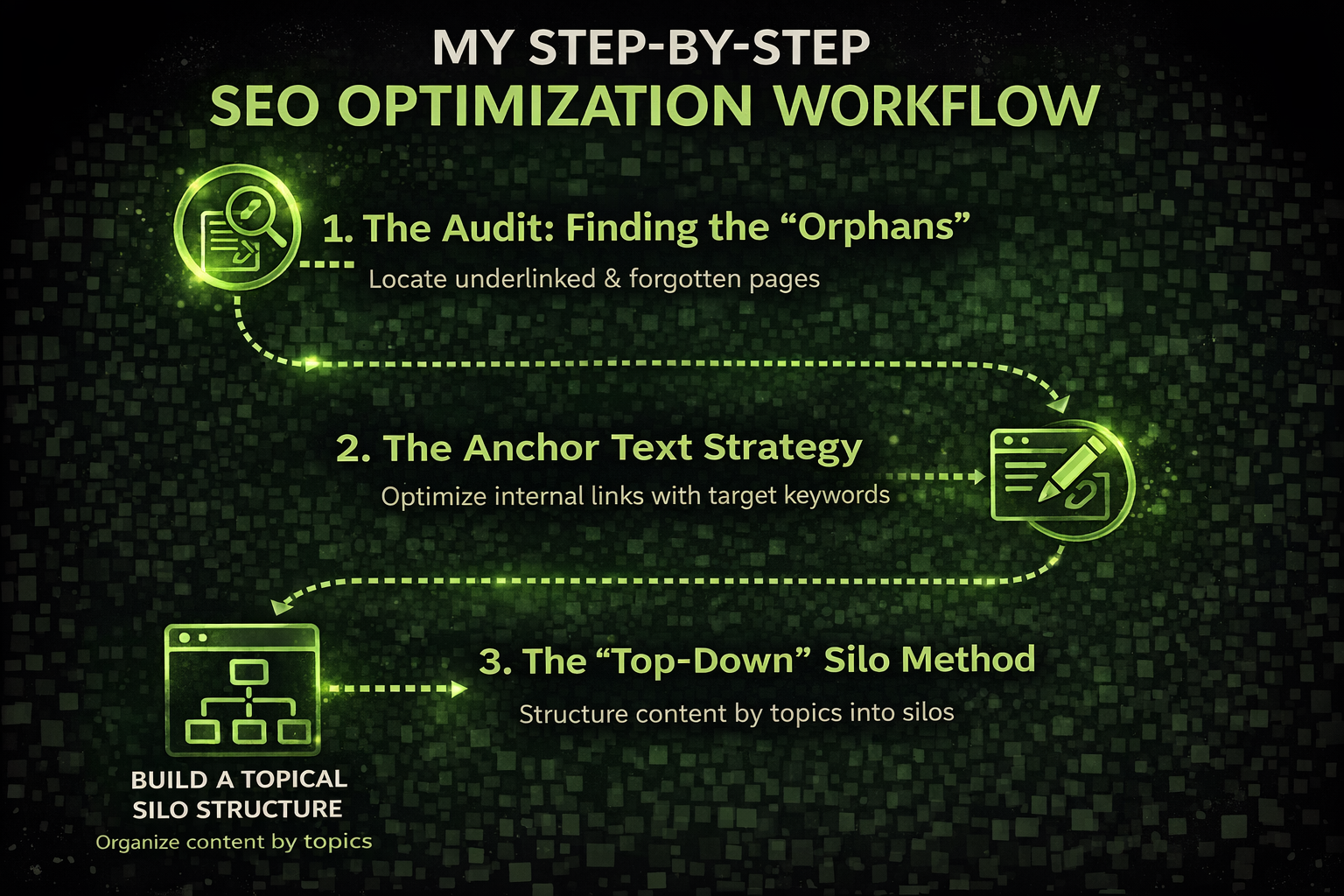
1. The Audit: Finding the "Orphans"
“Orphan page” is a website which has no internal linking to it. It’s a dead-end for Google.
- This Tool:The tool I am using is LinkWhisper (a WordPress plugin) or the version for free of Screaming Frog.
- The Solution:I find my “power pages” (the ones that have the highest traffic) and then look for ways that are natural to connect them to these orphan pages.
2. The Anchor Text Strategy
Do not make use of “Click Here” for your link’s text. It will tell Google nothing.
- The Right Way:If I’m linking to an article on “Local SEO Optimization for Islamabad,” my anchor text should precisely reflect the same as that.
- The trick:I vary the text little. One link might read “local search strategies” while another may read “ranking locally-relevant keywords.” This appears natural and can help you rank for a variety of related phrases.
3. The "Top-Down" Silo Method
I organize my content into “Silos.”
- H1 the Main Subject (The Pillar): Example: “The Ultimate Guide to SEO.”
- H2 sub-topic (The The Support): Example: “How to do Keyword Research.
- H3 Niche Specification (The”Deep Dive”): Example: “Long-tail keywords for clinics.”
I ensure that all H3-related posts link back on the H2 and that all H2s backlink towards the original H1. This creates an “web” of credibility that tells Google, “Hey, I truly know what I’m talking about within this particular niche.”
Content Optimization: It’s Not Just About Links
When internal linking is the framework but your contents are the main ingredient. If your content is dull or “textbook style,” people will leave immediately and bounce rates will drop and your rankings will suffer.
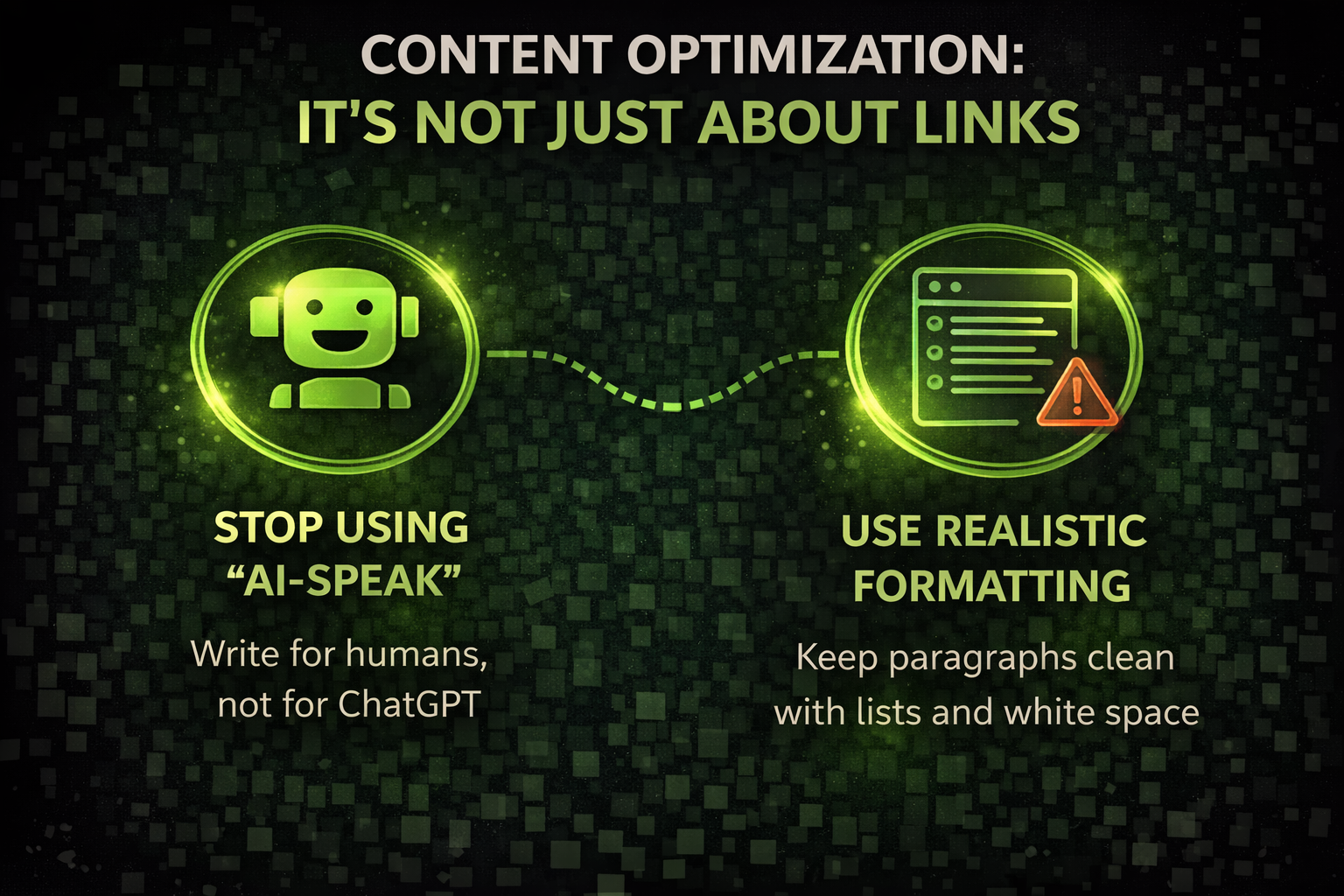
Stop Using "AI-Speak"
We’ve all heard it: “In today’s fast-paced digital age …” this is a major warning for AdSense as well as for your readers. I’ve begun to delete every opening phrase that sounds like a like a generic.
- My rule:Start with a tale or a particular issue. Instead of stating “SEO Optimization is essential,” say “I lost $500 on advertising because I didn’t verify your meta-tags.”
Use Realistic Formatting
The majority of my readers are using the Samsung Galaxy or an iPhone. If they come across an “wall of text” they’re gone.
- Short Sentences:1-2 sentences per paragraph.
- Bullet Points:Similar to this.
- Bold Text:Make sure you highlight the most important points so that skimmers still benefit.
Tools I Use for SEO Optimization in 2026
There’s no need for a million-dollar budget. However, you will require some “power instruments” to determine what’s happening beneath the hood of your website.
Tool Name | What I Use It For | My Personal Take |
Finding “Low Hanging Fruit” | I search for keywords that are on position 11-15. I then include more internal linking on the pages. | |
LinkWhisper | Speeding up Linking | It provides links as I write. It’s not ideal, but it has saved me hours of manual search. |
Competitive Audit | I can see the internal pages that my competitors frequently link to. | |
Surfer SEO | Content Scoring | It informs me that I’ve not used certain keywords, however I always place “human feeling” ahead of the number. |
Common Mistakes I’ve Made (So You Don't Have To)
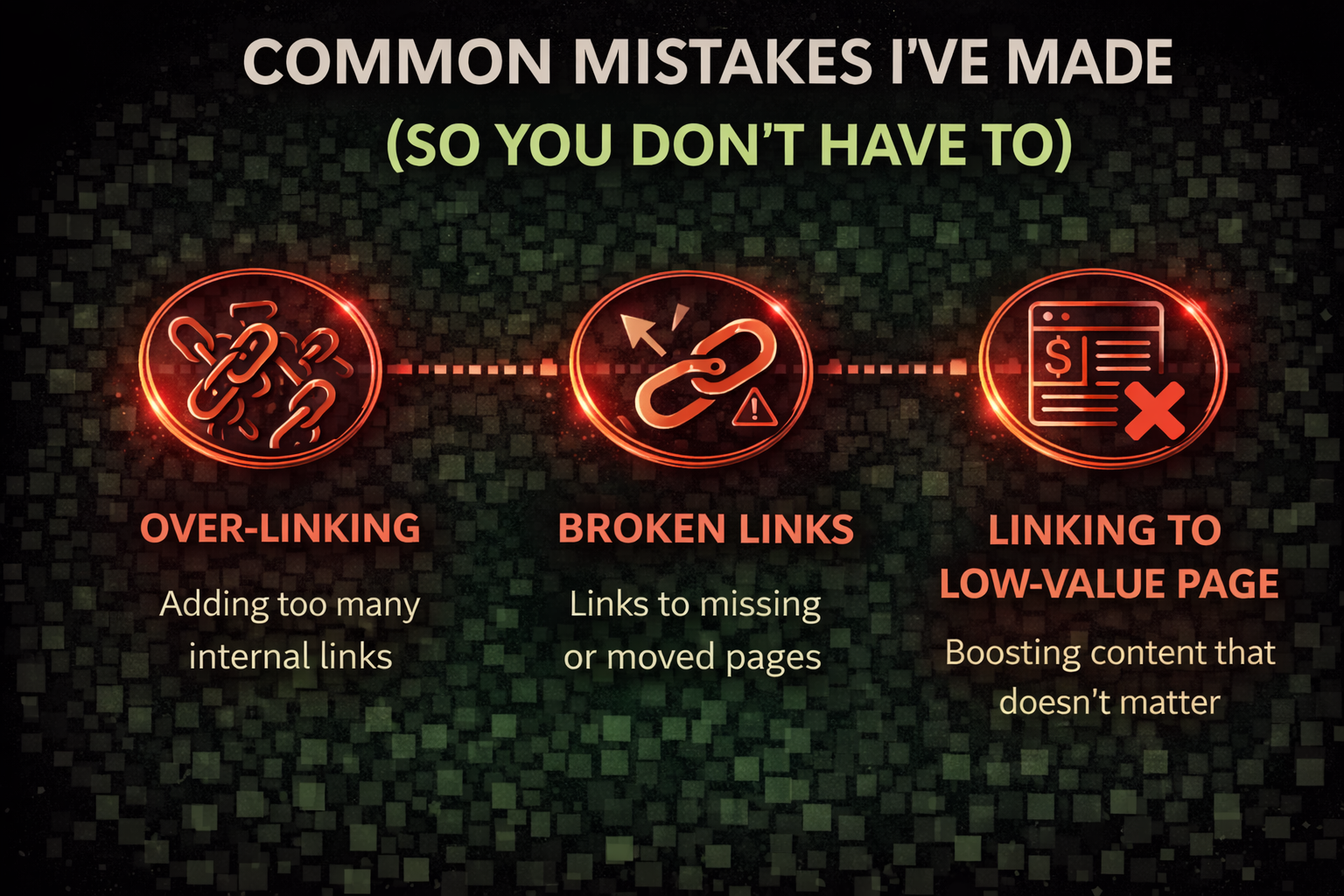
- Over-Linking:There was a time when I put in 30 links into an article of 500 words. It appeared to be an ad-hoc website. Nowadays, I only use around 3-5 links per 1000 words unless it’s an enormous guide.
- Broken links:There is nothing more annoying than the user clicking a link, only to be hit with an error page. I utilize my Broken Link Checker plugin at least once per month to ensure that everything is clean.
- Linking to low-value pages:Don’t waste your “internal linking” on your “Contact Us” or “Privacy Policy” pages. Use your links only for articles that bring in revenues.
SHORT FAQ'S
Frequently Asked Questions
Frequently asked questions provide short answers to common queries related to the topic. This section helps readers quickly understand key points and improves search engine visibility by addressing popular search questions. It also makes the content easier to navigate and increases the chances of appearing in Google featured snippets.
Absolutely. AdSense is looking for an "well-structured" website. If your website is simple to navigate and users spend longer there, as they're going from one blog post to the next, your chances of getting approval increase exponentially.
There isn't any "magic amount." I typically aim for one linking every 200-300 words. The aim is to help and not distracting. If a link isn't providing an additional benefit to the reader do not include it.
No. Google has already figured out where your website is. Its internal linking should concentrate on giving credibility to your more in-depth blog posts, which are more difficult to locate.
Try mixing the two. If each link in the "Weight Gain" article says "Weight Gain Techniques," it looks a little suspicious to Google. Make use of "How to gain muscles" and "High-calorie eating plan" to give a variety.
