
Student Blogger Tips: How to Balance University Assignments and Managing a Website
By Media Initiation • 29 July 2026

Student Blogger Tips: How to Balance University Assignments and Managing a Website
A visit to your Google Analytics live traffic dashboard while in a lecture hall at a university is a unique kind of excitement. At the age of 22, managing a digital marketing company and running a website for content as well as completing coursework has I learned a very important lesson: your site’s code does not care about deadlines for assignments and your professors certainly aren’t concerned about the downtime of your server.
When I first tried to manage my academics with managing my site I was entangled in an unproductive cycle. I would not check my blog for two whole weeks to prepare for midterms observe my blog’s search traffic decline in the following three nights working on desperate updates instead of resting. It was totally unsustainable.
If you’re struggling to manage the web-based project without degrading your GPA, then you do not require general motivational tips. You need a tough real-world system. These helpful student blogger tips helped me establish an efficient workflow that maintains my grades as well as the metrics of my blog.
Are you trying to maintain your blog, while also juggling the demands of your course? Leave a comment with your current major and let’s come up with an editorial schedule that works with your lifestyle!
~Media Initiation
Why Traditional Time Management Fails Student Creators
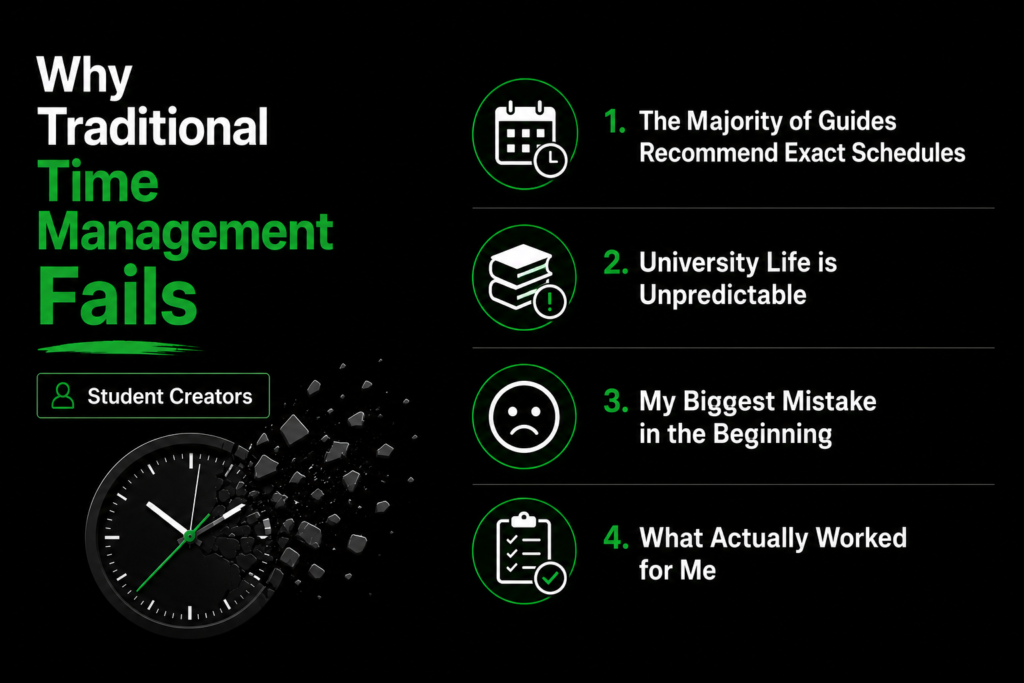
The majority of guides to study advise you to create an exact daily schedule. They recommend starting your day at 5:00 am or committing two hours each night to your favorite project. It sounds good in theory, however overlooks how unpredictable the university experience can be. The first week, you’ll be doing only light reading; the following you have three assignments that are heavy and a presentation deadline simultaneously.
The largest mistake I made in the beginning was to treat my website as an everyday obligation. If I couldn’t write the entire 1,200 words on a Tuesday evening because of the sudden announcement of a lab report I was resentful and lost all motivation.
I had to alter my plan of action. Instead of planning every day I decided to plan around blocks of academic work. By breaking down tasks on the web into smaller actions that can be incorporated into brief gaps in between classes, you’ll be able to ensure that your website is running smoothly without burning out.
Practical Student Blogger Tips for Organizing Your Workload
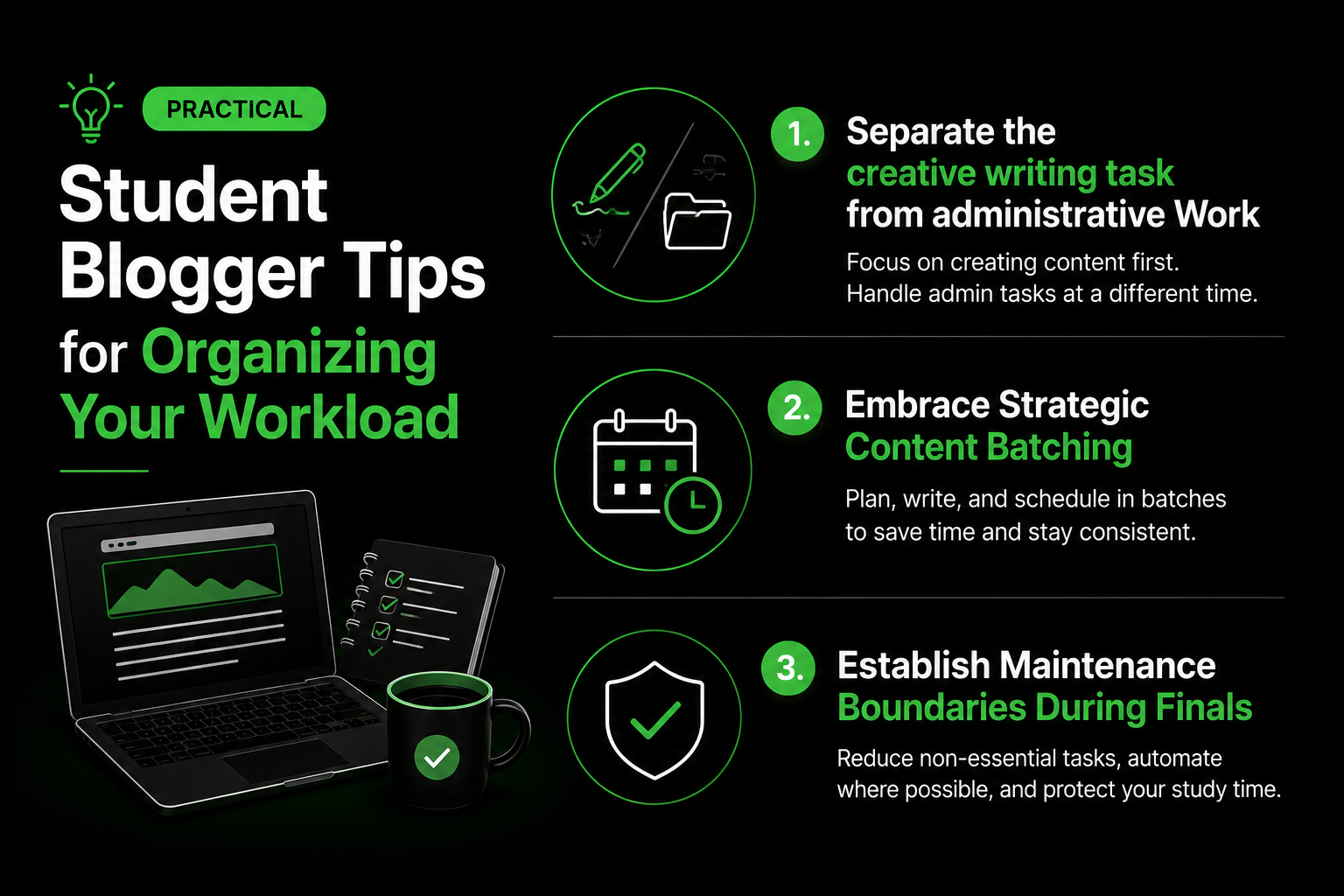
To keep your platform running throughout the stress of semesters You must follow this method to create a durable publication workflow that is low-maintenance and easy to maintain.
1. Separate the creative writing task from administrative Work
Writing high-quality content requires deep, uninterrupted mental focus. However formatting posts editing images, examining internal links and updating plugins does not require an enormous amount of brainpower.
Utilize your high-energy times–such as the quiet mornings of a Saturday writing new content. Utilize low-energy time slots–like taking the shuttle to campus or sat in the library, waiting for the group project meeting to handle small administrative tasks. Drawing rough sketches using Google Docs on a smartphone during breaks of 15 minutes helps keep your enthusiasm alive.
2. Embrace Strategic Content Batching
A single of the most useful student blogger tips I’ve ever gotten was batching content. If you write your articles week-to-week, a sudden assignment deadline could instantly interrupt you publishing routine.
In the summer or on less academic time, you can take a break and write three or four pieces at a time. Add them to the WordPress dashboard and then schedule the automatic publishing in the next month. This will create a strong protection when tasks start increasing in number.
3. Establish Maintenance Boundaries During Finals
As the time for exams approaches, your website must be put into a state of pure maintenance. Your degree comes first. If you’ve scribbled your work prior to the deadline your website will appear new and lively to visitors as you work studying in the library.
Tech Tools and Student Blogger Tips for Smart Automation
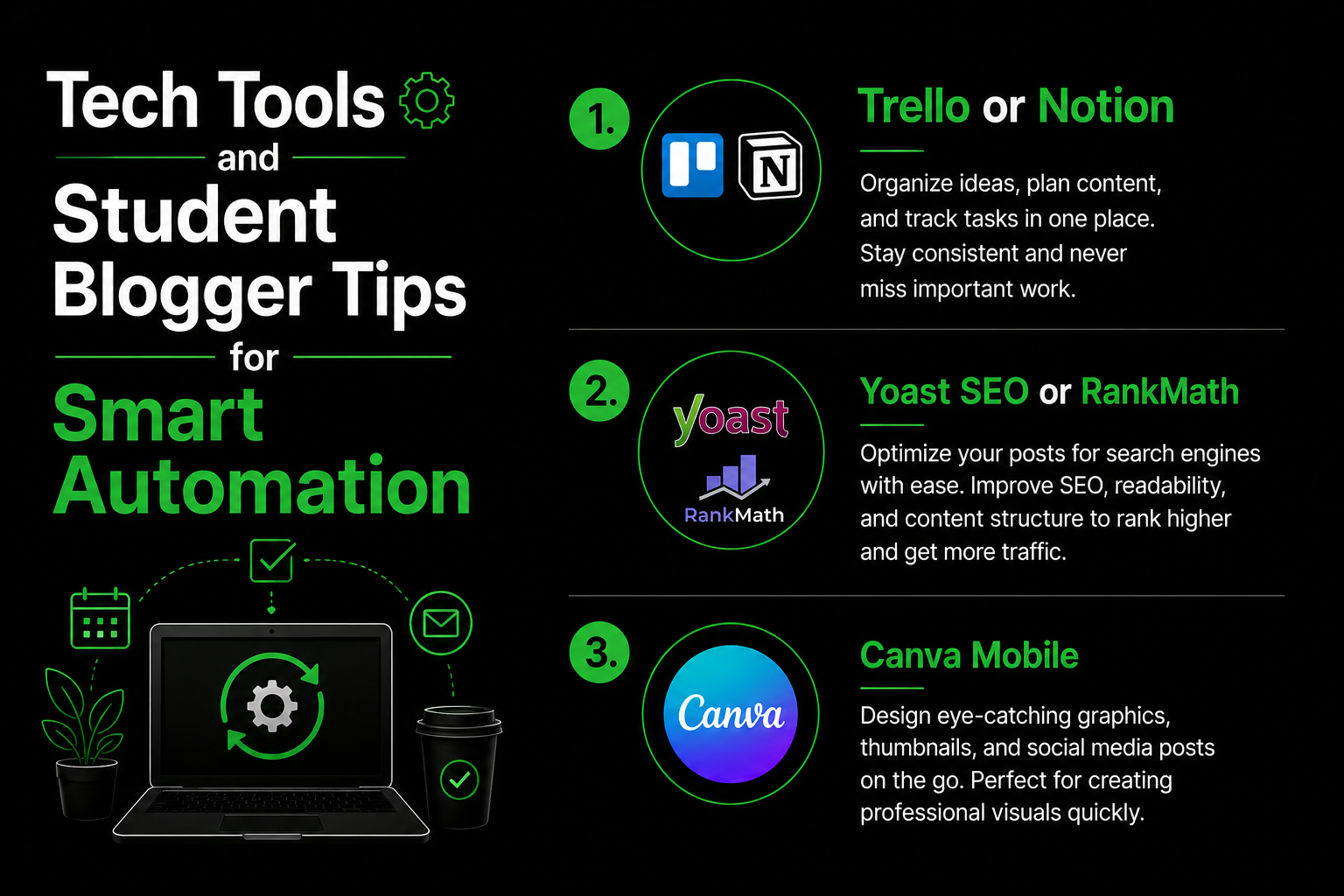
To manage each part of a website by hand while working can lead to exhaustion. To maintain your sanity use simple tools to do the weight:
- Trello or Notion:Keep a clean content board that’s synchronized across your phone and laptop. When an idea for a blog post arises in your mind in a lecture, make sure you write it down as soon as you can so that you are able to revisit it in the future.
- Yoast SEO or RankMath:Use on-page SEO plugins to verify the quality of your writing and keywords in real-time while you write, preventing you from the hassle of doing the manual audit of metadata.
- Canva Mobile:Create clean featured images or social media graphics with your smartphone during a break from studying without having to launch a heavy desktop application when the battery on your laptop is at a low level.
Actionable Student Blogger Tips for High-Stress Exam Weeks
In testing a variety of student blogger tips I realized that micro-tasking is a great way to save time in the course of exam preparation. If you’ve only got 10 minutes to write and you’re not able to write a complete section. Instead, you can compress two images, correct an error write a brief outline of three heading tags. These tiny actions will add up in time and keep your work moving forward, while not compromising the time you spend studying.
Another effective strategy is to turn your research to content suggestions. If you’ve spent fifteen hours researching a certain technological area or market trend to prepare the class, rewriting the general ideas into an engaging, written guide for your audience will save enormous amounts of time researching.
Real Mistakes I Made In Student Blogger Tips(And How to Avoid Them)
- Skipping Automated Backups: In my second year in college, an issue with my plugin broke my web layout just prior to midterms. Since I didn’t established automated cloud backups using UpdraftPlus, I spent all night fixing databases instead of reading the notes from class. Always automate your site backups.
- Overpromising for clients on projects:If you offer writing or web-based administration services through your site, don’t guarantee a turnaround time of 24-hours to your clients. Always include a three-day buffer to ensure you are protected from unexpected deadlines for assignments.
Summary for Student Blogger Tips
In balancing your university assignments and running the website is about making a stable, steady system. If you follow these student blogger tips batching your posts, segregating administrative chores from creative ones and using basic automation, you can build a steady growth of a website project without degrading your grade. Be consistent over intense make sure you’re able to protect your time for studying and create your digital assets in a step-by-step manner.
SHORT FAQ'S
Frequently Asked Questions
Frequently asked questions provide short answers to common queries related to the topic. This section helps readers quickly understand key points and improves search engine visibility by addressing popular search questions. It also makes the content easier to navigate and increases the chances of appearing in Google featured snippets.
Start by writing in batches and setting goals that are realistic. Make sure you publish a quality, well-researched blog every two weeks rather than publishing a thin piece of daily content.
They can help you create a buffer of content prior to time. By scheduling your posts in advance during the slower times of the year your website will remain active all the time while you concentrate on your studies.
The reality is that 5 to 7 hours a week is enough for those who focus on tasks that have a high impact, such as writing and internal linking, rather than constantly changing your theme fonts.
No. Reduce your costs by using a budget-friendly hosting service as well as a simple and fast theme such as Astra, as well as important free plugins. Make sure to invest in premium tools when your website starts earning the income it needs.
